Product video guide
Product rotation for ecommerce.
Choose the format your customers need, understand what it costs and publish a rotation without promising more than it shows.
A product rotation shows an item turning so a shopper can see more than one angle. That can be a short MP4, a sequence of photographs in a drag-to-spin viewer, or a real 3D model. These formats answer different questions and require different assets.
Choose the deliverable before choosing a tool
An AI-generated rotation video
Upload one source photo and an AI video model generates the turn. You receive a video that can play in a product gallery, marketplace listing or social post. RotateProduct makes this kind of 360 product spin video, with MP4 and animated WebP download options.
The camera never photographed the hidden sides. The model infers them, which can change text, logos, handles and other details. Review every result. Keep separate real photographs of labels, dimensions and features that must be exact. A video does not give the shopper drag-to-rotate controls or provide a downloadable 3D mesh.
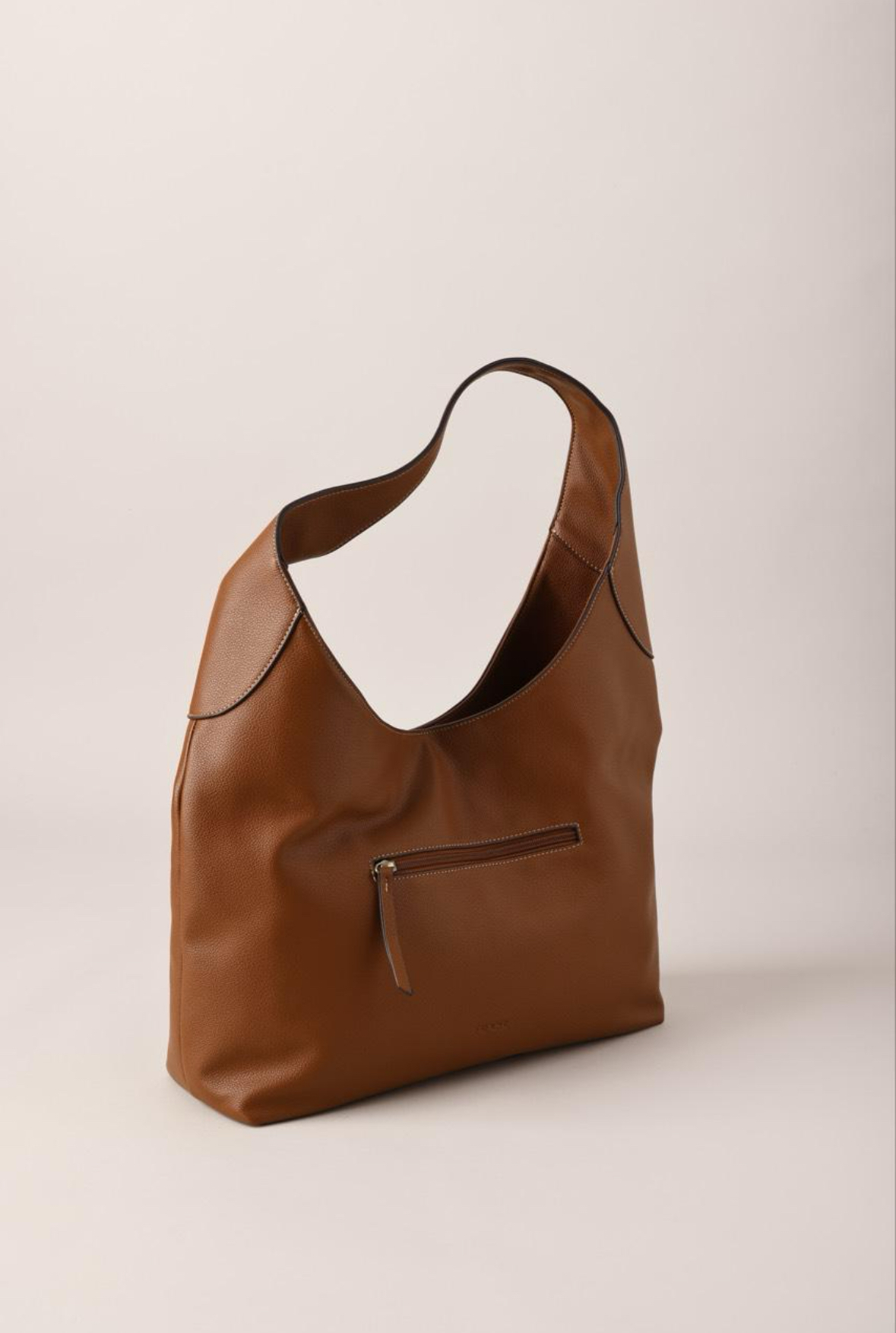
Source photo
Generated video · press play
Turntable photography and a spin viewer
Photograph the physical product at a sequence of angles under consistent lighting. A viewer then switches between the real photographs as the shopper drags. This is useful when exact rear details matter and you can capture the product. It requires photography, editing and a viewer that your store supports. Our turntable alternative page explains what an AI video can replace and where a real shoot is still appropriate.
A real 3D model or AR experience
A 3D viewer renders a model that shoppers can inspect from different angles. AR can place a compatible model in a physical space. You need a model, suitable materials and an integration. Choose this when changing materials, interacting with parts or judging furniture placement is the actual task. See the comparison of video, interactive 360 and 3D/AR.
Compare the cost of a usable asset
For a studio or DIY shoot, count the photography, product preparation, shipping, editing and any viewer subscription. Ask for a quote based on your product, number of angles and catalogue size. There is no single studio price that applies to every product.
For AI, count the plan, generation settings, retries and your review time. The current baseline below is a standard five-second, 720p video at 5 credits, before any model surcharge or optional end frame. Check the app's displayed cost before generating.
| Plan | Monthly price | Credits | Whole videos |
|---|---|---|---|
| Starter | $19 | 50 | 10 |
| Pro | $39 | 150 | 30 |
| Business | $99 | 500 | 100 |
Longer clips, higher resolution and other paid options can use more credits. A monthly allowance is not a promise of unlimited successful videos. Credits roll over; refer to current plans and terms before buying.
Create and publish your first rotation
- Choose a product with a clear shape and select a well-lit source photo. Keep the whole item in frame with space around it. Use the source-photo preparation guide.
- Create a watermarked first preview in RotateProduct. For subscribed generations, select an aspect ratio that matches the product gallery or social placement. Start with a short clip and inspect it before spending credits on more variants.
- Watch the full rotation, pausing on hidden sides, seams and the return to the opening angle. Check that labels, geometry and quantity match the real product.
- Choose a subscription to unlock the clean preview download, or download a completed paid generation. Use MP4 for a normal video upload; verify animated WebP support before using it in a particular placement.
- Add the clip to your product media alongside the real photos. Check the published page on a phone, including playback, framing and loading. The publishing checklist covers this final review.
For catalogue workflows, the Business plan includes API access. Start with the bulk generation documentation and review a small batch before scaling. Generating a catalogue does not remove the need to check each result.
Measure the effect on your own store
Pick a question before changing the page: does the video help customers understand the size, material or shape? Compare similar traffic and track completed purchases or another clearly defined primary metric. Watch page performance and returns as well. A longer visit by itself is not a sale.
Run a controlled comparison where traffic supports it. With few orders, inspect playback and customer feedback while collecting more data; a fixed number of days cannot guarantee a reliable conversion result. Avoid changing the price, offer and media at the same time if you want to understand the video's effect.
We do not have a universal conversion-lift figure to promise for RotateProduct. The useful first test is whether the video accurately answers a shopper's question and works on the actual product page.
Common questions
Does one photo reveal the actual back of the product?
No. Hidden details are inferred. If an exact label or rear panel is essential, photograph it and show the real image. An optional end frame guides the final angle; it does not verify all the unseen intermediate views.
Can I try a video before paying?
Your first preview is watermarked. Choose a subscription to download the clean copy. This is one preview, not an ongoing free tier.
Will a video slow down the page?
It can, depending on the file and player. Start with the store's native video support, a poster image and a short clip. Test the actual mobile page instead of assuming that any video is performance-free.
Start with your own product photo
Review a watermarked preview before choosing a plan.
Make your first previewMake the most of your product videos.
Product rotation for ecommerce
Choose a format, plan the cost and publish your first video.
Prepare your product photo
Lighting, framing and backgrounds for AI rotation.
Video, interactive 360 or 3D?
Understand what each format can show your customers.